

From a product photo,a marketplace listing
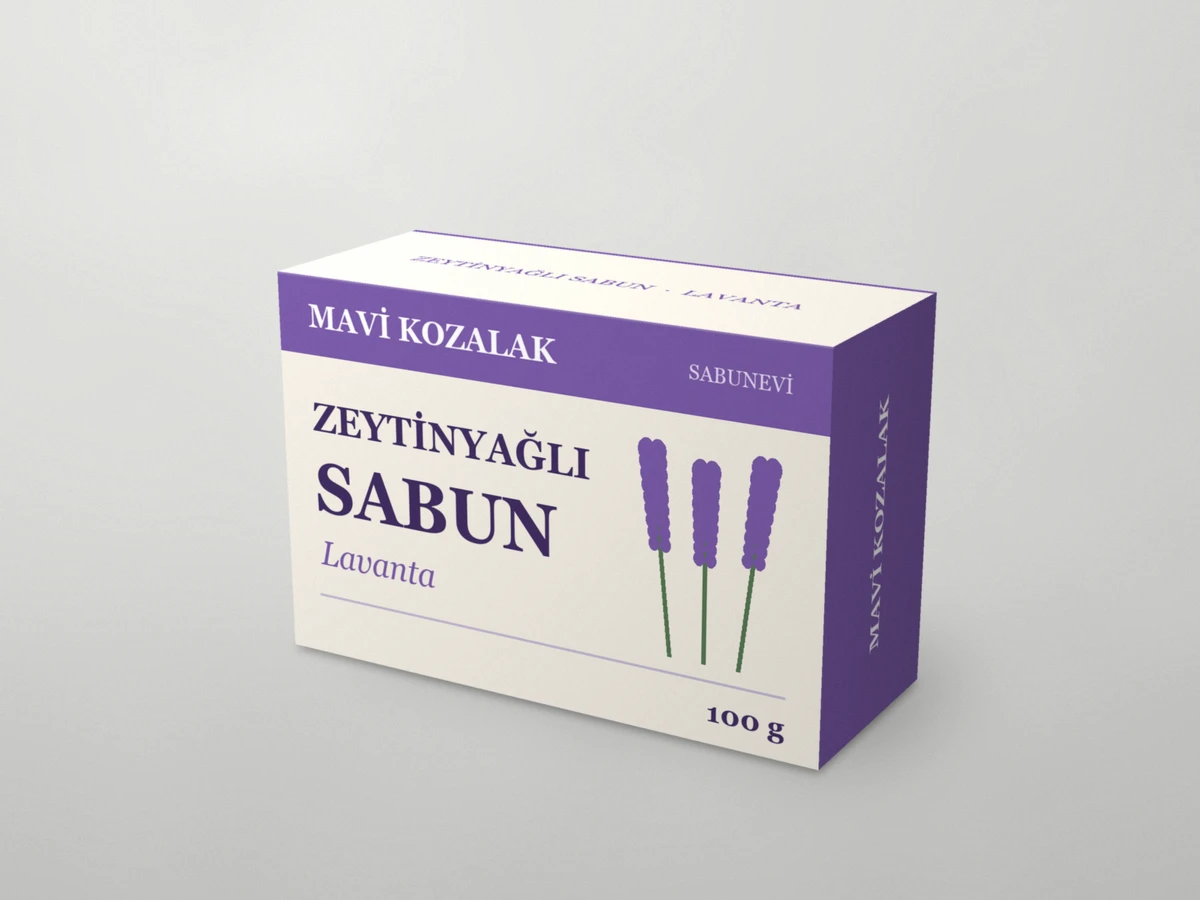
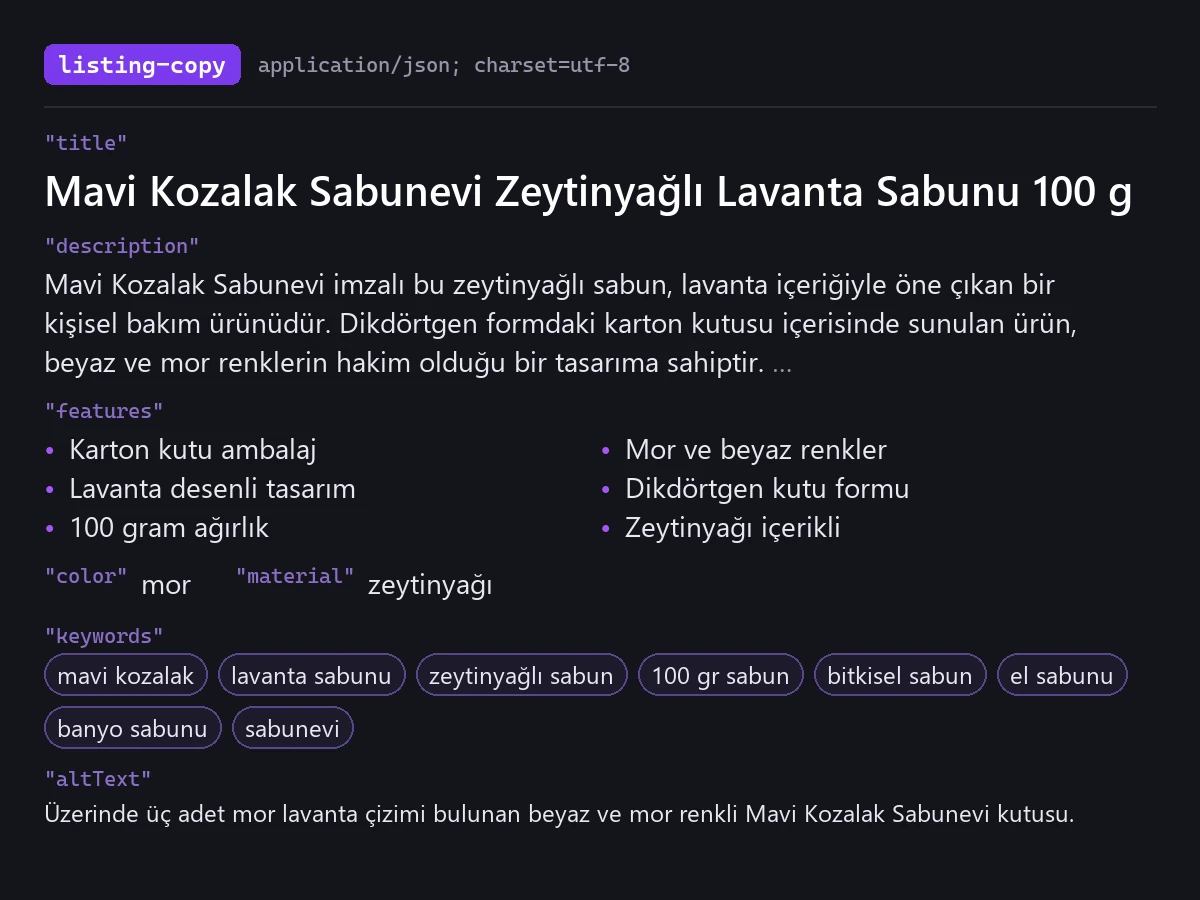
A Turkish listing draft from a single product photo, in the format Trendyol, Hepsiburada and n11 use: title, description, feature bullets, color, material, keywords and image alt text. The output is a draft — check details such as brand, size and material before you publish.
Three scenarios, one panel
Marketplace listings
Get a first listing draft from the product photo; edit the title and description, then publish.
Bulk catalogue
In batch processing, get one JSON file per product plus a single CSV with every listing, ready to copy into your marketplace template.
Accessible images
Generate screen-reader-friendly alt text of up to 125 characters for each product image.
One click, visible difference
What to know
Use it from your AI assistant
This feature is also an MCP tool. Connect Claude Desktop, Claude Code or Cursor once; then just ask in plain language — your assistant calls the right tool itself.
glitch_listing_copycalled automatically