

Quick Transform
One image,every size
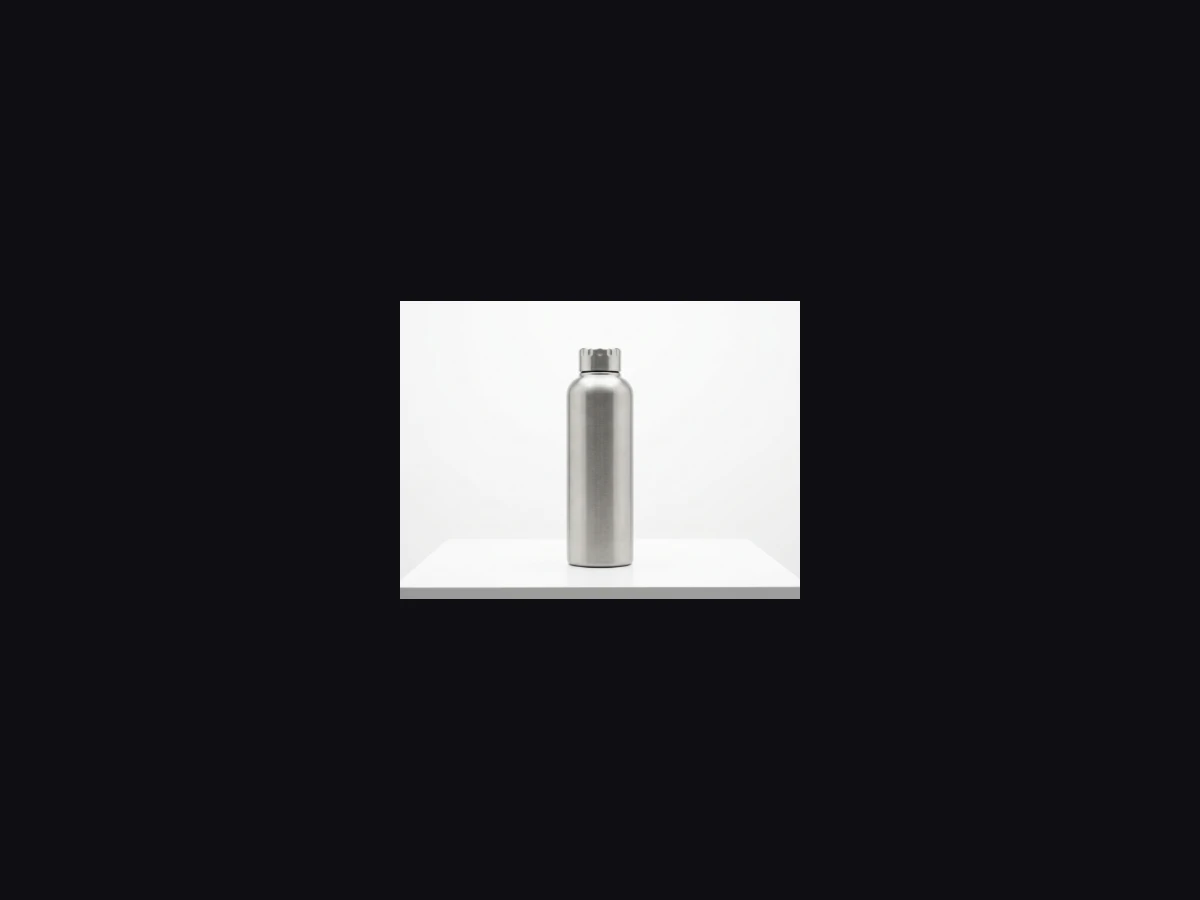
Resize images to any aspect ratio or pixel dimension instantly. Quality preserved, the ratio is yours to control.
What it's for
Three scenarios, one panel
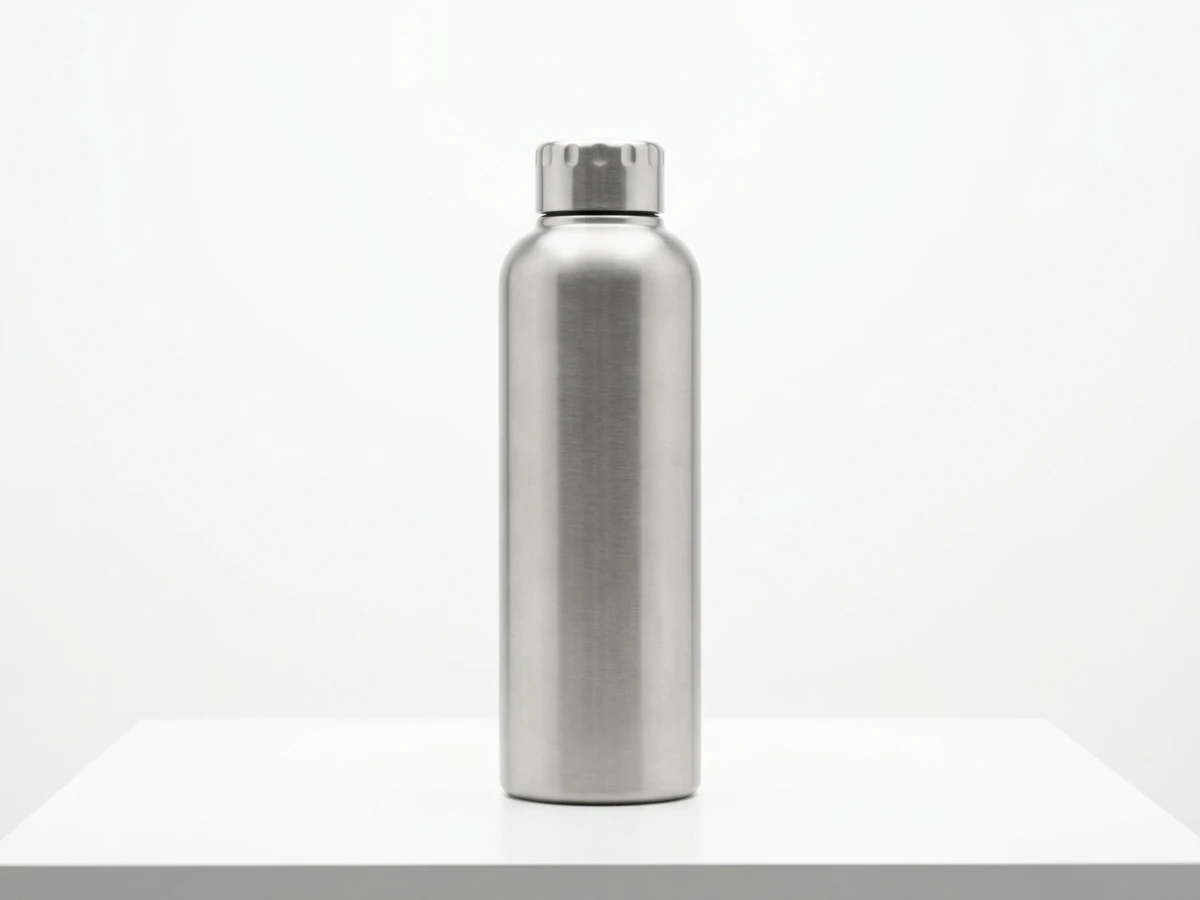
Consistent storefront
Bring every product in your e-commerce catalog to the same aspect ratio for a tidy store.
Campaign variations
Resize the same creative for different ad placements in seconds.
Fast design preview
Fit your design into different frames while keeping the ratio — see it instantly.
Samples
One click, visible difference
Storefront−0.03s
Banner−0.04s
Thumbnail−0.02s
Hero−0.05s
Limits & details
What to know
Max resolution8000×8000 px · Pro+
Resize modeFit · Fill · Pad · Stretch
Supported formatsJPG · PNG · WebP · GIF · TIFF · AVIF
PlanAll plans · Free 500 ops/mo
MCP
Use it from your AI assistant
This feature is also an MCP tool. Connect Claude Desktop, Claude Code or Cursor once; then just ask in plain language — your assistant calls the right tool itself.
You“Resize this image to 800 pixels wide.”
glitch_resizecalled automaticallyOther features
Use them together
How to use it
Two ways, same result
Drop your image here
Then pick the size · 25 MB max
ResizeDone · 0.03s1920×1280 · 284 KB
Download
01Upload your image
02Pick target size or ratio
03Download the new size