

AI Transform
AI upscaling,no quality loss
2x or 4x — sharpen low-res images with AI. Old photos, small thumbnails, web-sourced images — all reborn in high resolution.
What it's for
Three scenarios, one panel
Old family photos
Sharpen aged, low-res shots. Family album frames come back at publish-ready resolution.
Upscale web thumbnails
Stock photos, social covers — from low-res to publish-ready density.
Print quality
Catalogs, posters, brochures — small and mid-size shots reach 300 DPI at A4 with 4x; the source must stay within 2.1 megapixels (1448×1448) and the output within your plan ceiling.
Samples
One click, visible difference
Portrait4x
Landscape4x
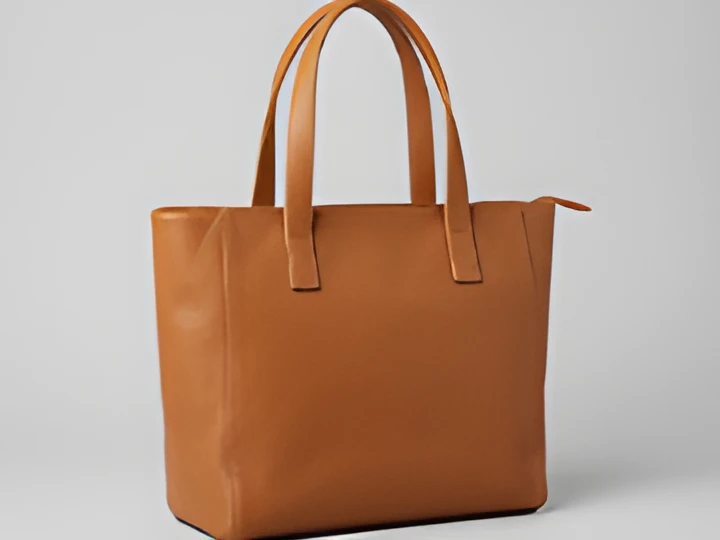
Product4x
Vintage4x
Limits & details
What to know
Size limitsSource up to 2.1 megapixels (1448×1448) · input × scale cannot exceed: Free 2048 · Starter 4000 · Pro+ 8000 px
Max file size25 MB
Scale2x or 4x only · defaults to 4x
PlanDeducts AI quota · Free 5/mo · Pro 2,000/mo
MCP
Use it from your AI assistant
This feature is also an MCP tool. Connect Claude Desktop, Claude Code or Cursor once; then just ask in plain language — your assistant calls the right tool itself.
You“Upscale this image 4x.”
glitch_upscalecalled automaticallyOther features
Use them together
How to use it
Two ways, same result
Drop your image here
Then pick the scale · source up to 2.1 megapixels · the output must fit your plan ceiling
TransformDone · 2.4s1920×1280 · 284 KB
Download
01Drag your image
02Pick the scale (2x / 4x)
03Download the high-res result