

From a product photo,an extra image
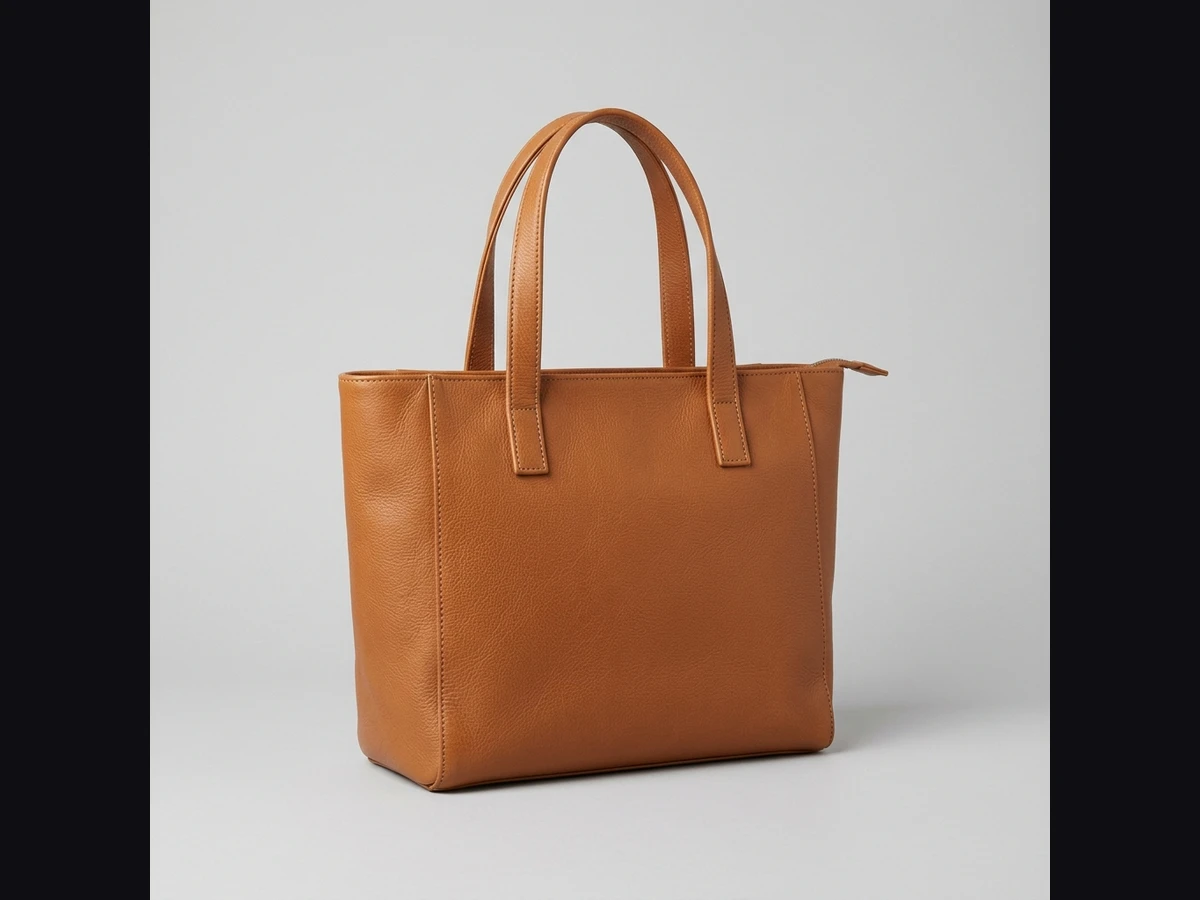
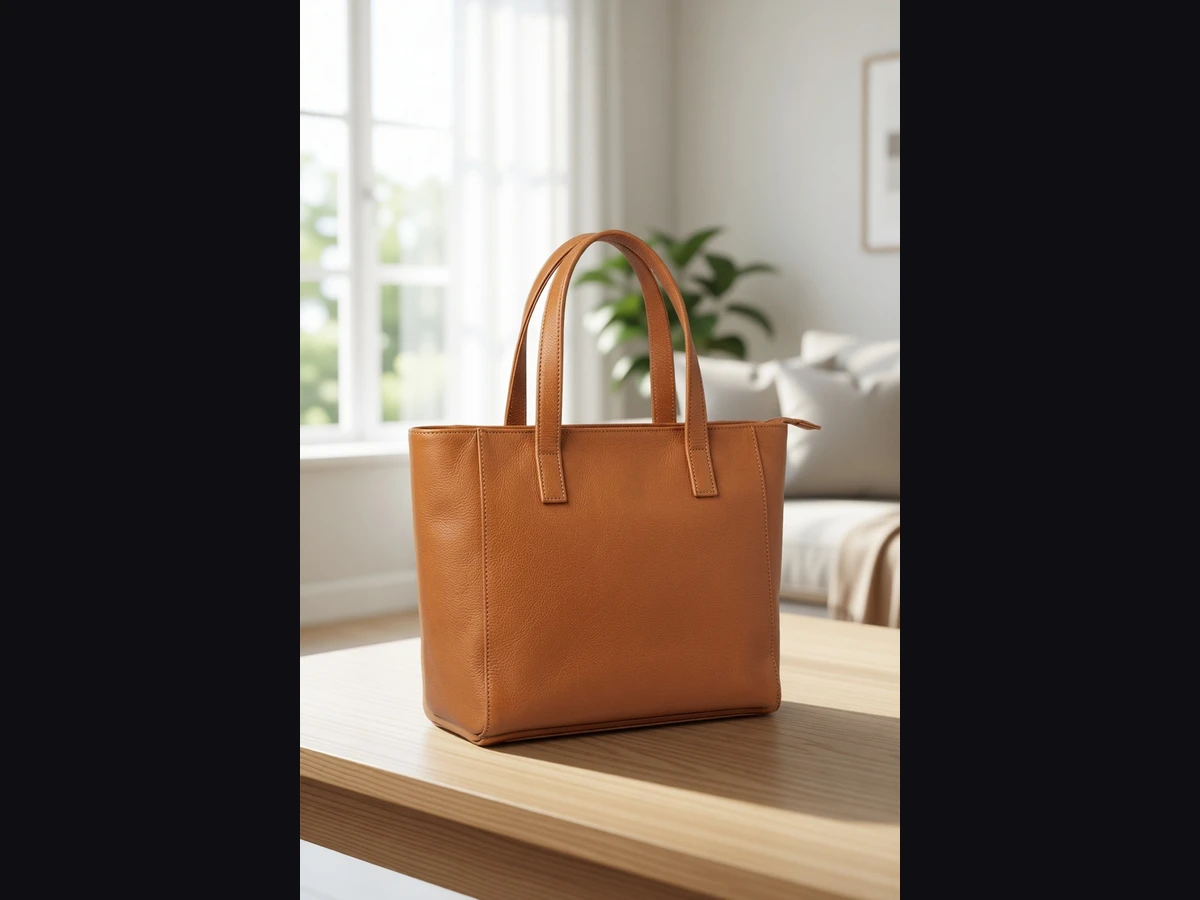
Create extra images for your listing from a product photo: a white background with a soft shadow, a lifestyle setting, or studio light that keeps the background. Your marketplace main image should stay the original white-background photo; these are for the extra image slots.
Three scenarios, one panel
Extra marketplace images
Keep the original white-background photo as the main image and fill the extra slots with scenes that show the product in a setting.
Social media and campaigns
Create scenes in different aspect ratios for posts and campaigns from the same product photo.
Your own store
On your own store's product page, keep the original photo as the main image and add lifestyle scenes next to it as extra images.
One click, visible difference
What to know
Use it from your AI assistant
This feature is also an MCP tool. Connect Claude Desktop, Claude Code or Cursor once; then just ask in plain language — your assistant calls the right tool itself.
glitch_product_scenecalled automatically