

Quick Transform
From a logo,a scalable SVG
Turn flat-color logos and icons from PNG, JPEG or WebP into scalable SVG vectors: a 2–16 color palette, smooth curves or straight edges. Not for photos: very detailed images such as photos are refused, and heavy gradients come out simplified.
What it's for
Three scenarios, one panel
Print and signage
Turn the only PNG copy of a logo into a scalable file for print and signage.
Web and UI
Turn your icons into SVG files that stay sharp on every screen.
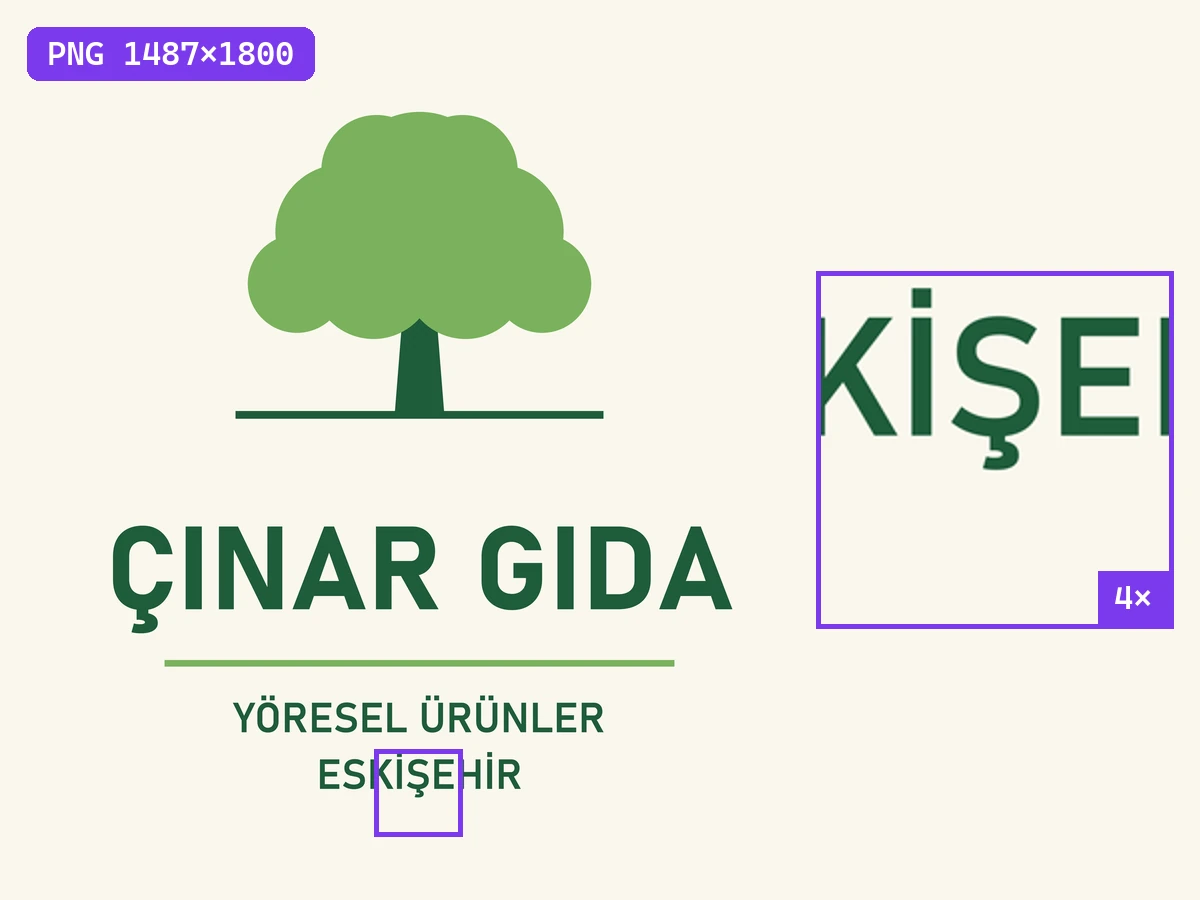
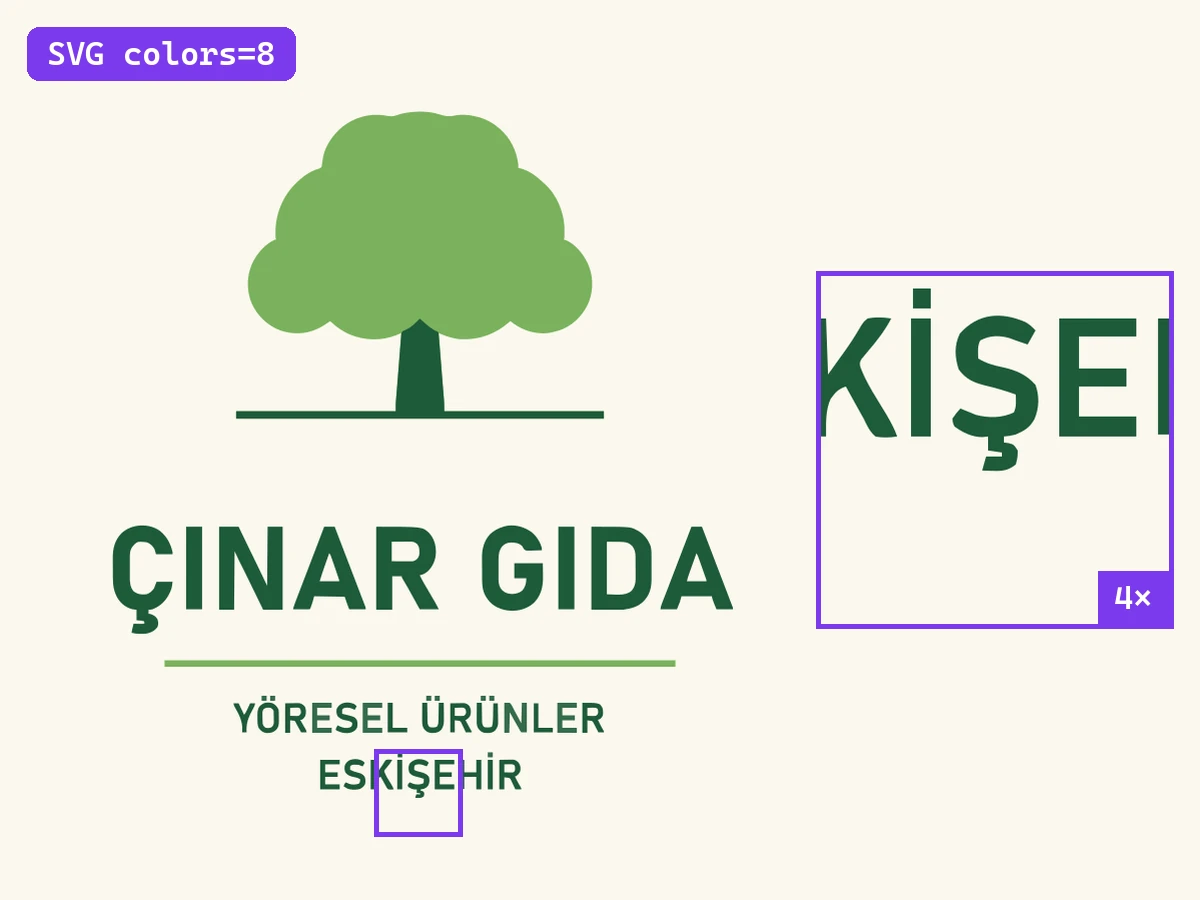
Logos with Turkish letters
Turkish letters in a logo (Ç, Ğ, İ, Ö, Ş, Ü) keep their dots and cedillas; the lettering comes back as shapes, not as editable text.
Samples
One click, visible difference
Flat logo
Icon
Logo with Turkish letters
Two-color badge
Limits & details
What to know
InputPNG · JPEG · WebP · up to 4 megapixels, longest edge 4096 px
OutputSVG · 2–16 colors · smooth or straight-edged
Best forFlat-color logos and icons · not for photos
PlanAll plans · uses no AI credits · Free 500 requests/mo
MCP
Use it from your AI assistant
This feature is also an MCP tool. Connect Claude Desktop, Claude Code or Cursor once; then just ask in plain language — your assistant calls the right tool itself.
You“Convert this logo into a 4-color SVG.”
glitch_vectorizecalled automaticallyOther features
Use them together
How to use it
Two ways, same result
Drop your logo here
PNG, JPEG, WebP · up to 4 MP
VectorizeDoneSVG
Download
01Upload the logo or icon
02Pick the color count and curve style
03Download the SVG file