

AI Transform
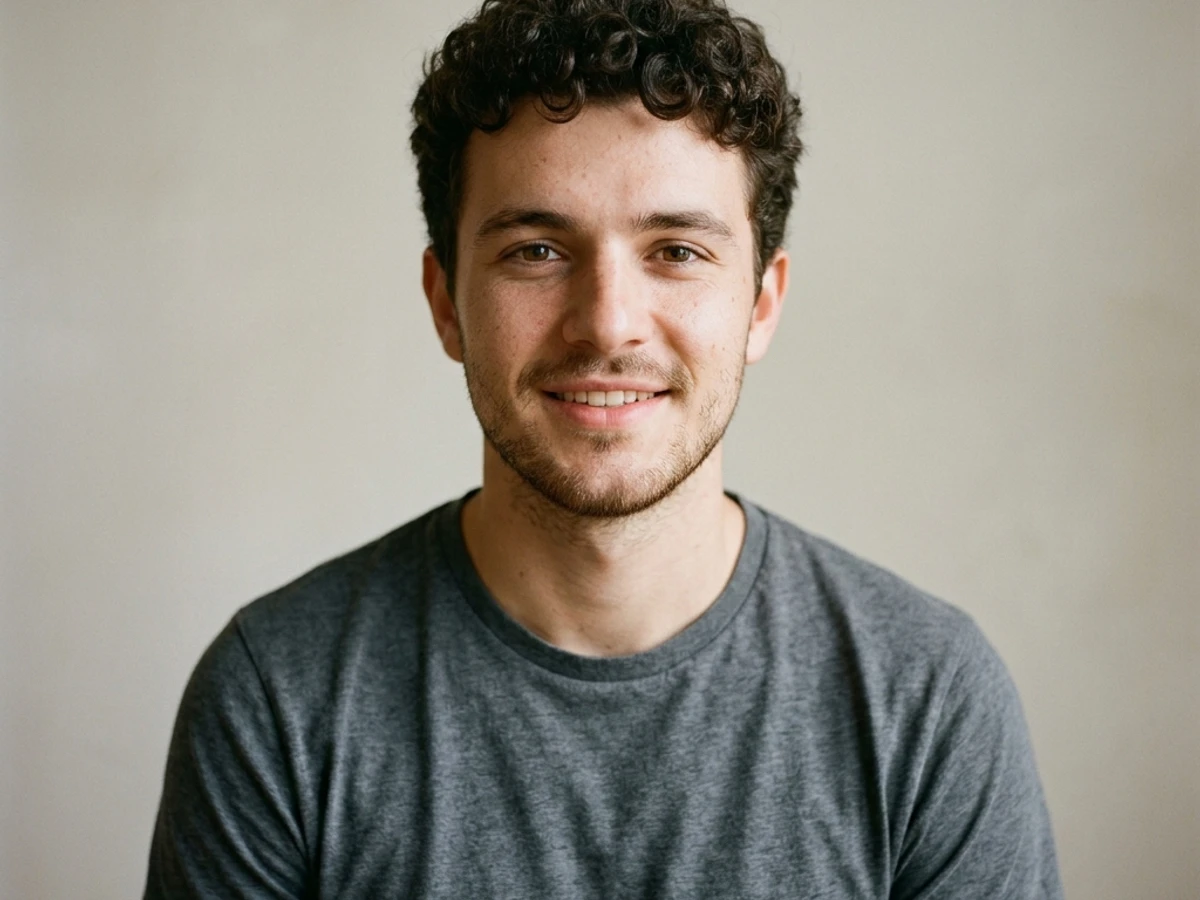
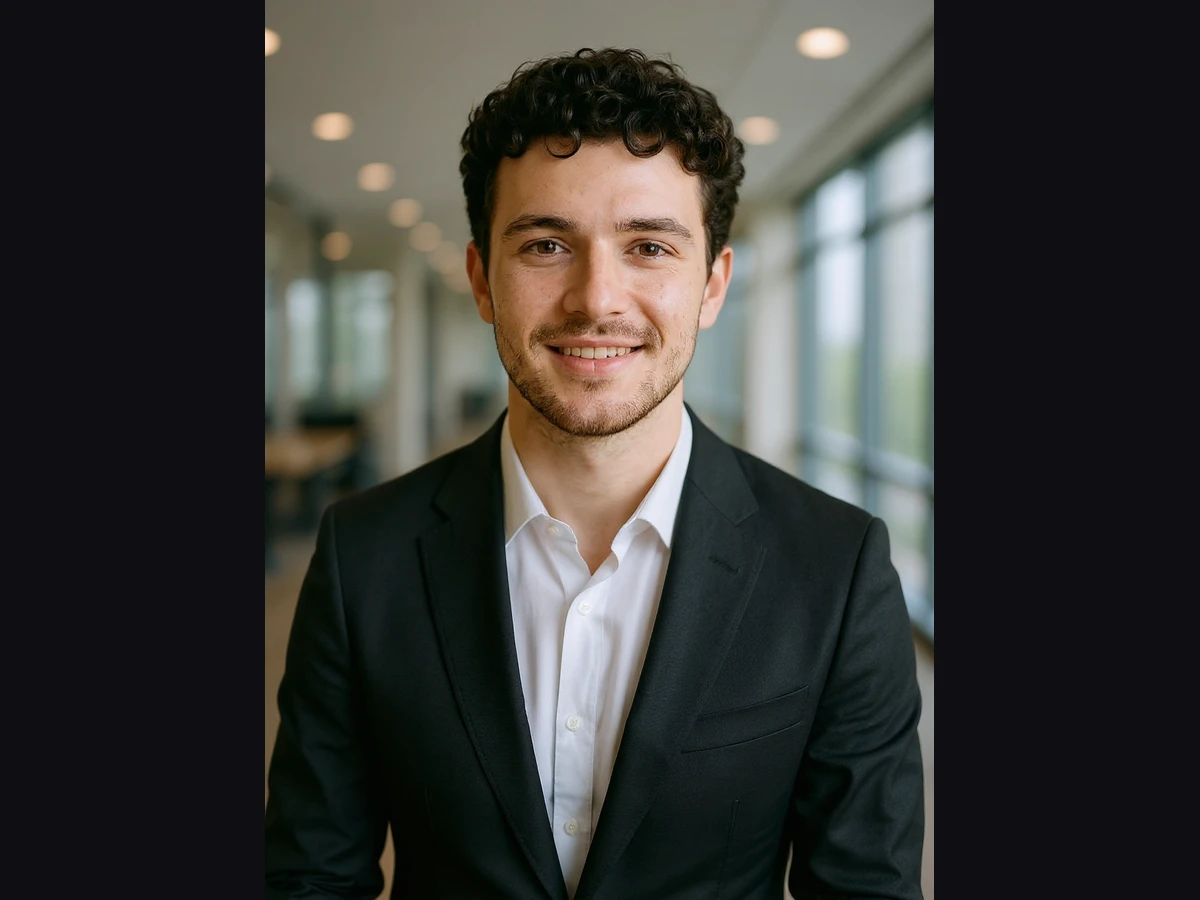
From one photo,a professional headshot
Turn an everyday portrait photo into a studio-style professional headshot with AI — for CVs, LinkedIn and company team pages. It is not a biometric ID photo.
What it's for
Three scenarios, one panel
CVs and job applications
Prepare a clean, simple portrait for your applications without booking a studio.
LinkedIn profile
Refresh your profile photo with a consistent background and framing.
Company team page
Give your team's portraits the same background and aspect ratio; each person uploads their own photo.
Samples
One click, visible difference
Neutral background
White background
Gray background
Office background
Limits & details
What to know
BackgroundNeutral · white · gray · black · office
Aspect ratio3:4 (default) · 1:1 · 4:5 · 2:3
UseCVs, LinkedIn, team pages · not for passports, ID cards or licences
Plan9 AI credits per call · Free 10 credits/mo · Pro 2,000 credits/mo
MCP
Use it from your AI assistant
This feature is also an MCP tool. Connect Claude Desktop, Claude Code or Cursor once; then just ask in plain language — your assistant calls the right tool itself.
You“Make a professional LinkedIn headshot from my photo, with an office background.”
glitch_headshotcalled automaticallyOther features
Use them together
How to use it
Two ways, same result
Drop your portrait here
Pick a background and ratio · 25 MB max
Create headshotDone3:4 · 1:1 · 4:5 · 2:3
Download
01Upload your own photo
02Pick the background and aspect ratio
03Download the headshot