

Quick Transform
Set the tone,own the mood
Brightness, contrast, saturation and blur — adjust them all in one request. Give your images a consistent brand tone.
This transform runs through the REST API and MCP; it is not in the web panel.
What it's for
Three scenarios, one endpoint
Brand tone
Apply the tone your design team defined across every image at once.
Campaign atmosphere
Add a warm or cool feel to ad visuals and grab attention.
Product emphasis
Make the product pop with contrast and saturation, sharpen the details.
Samples
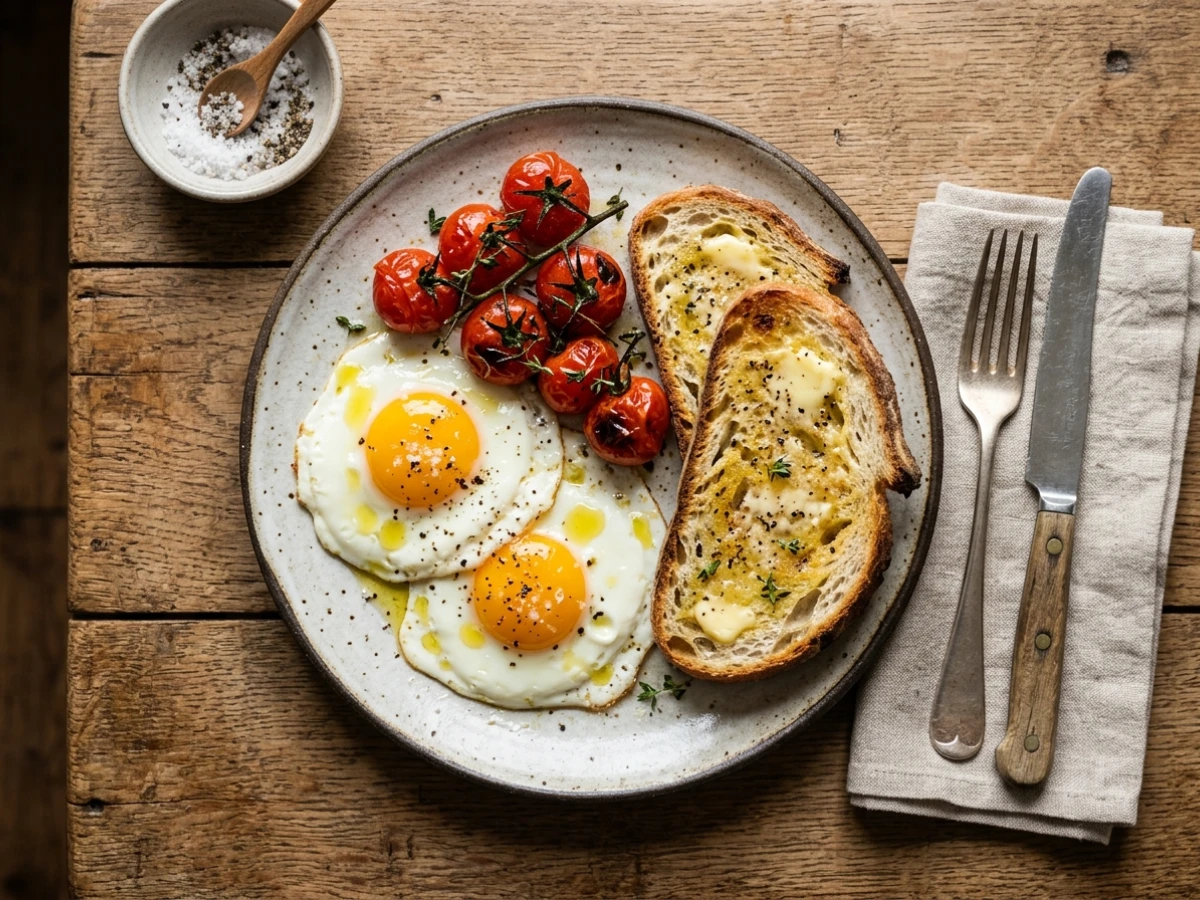
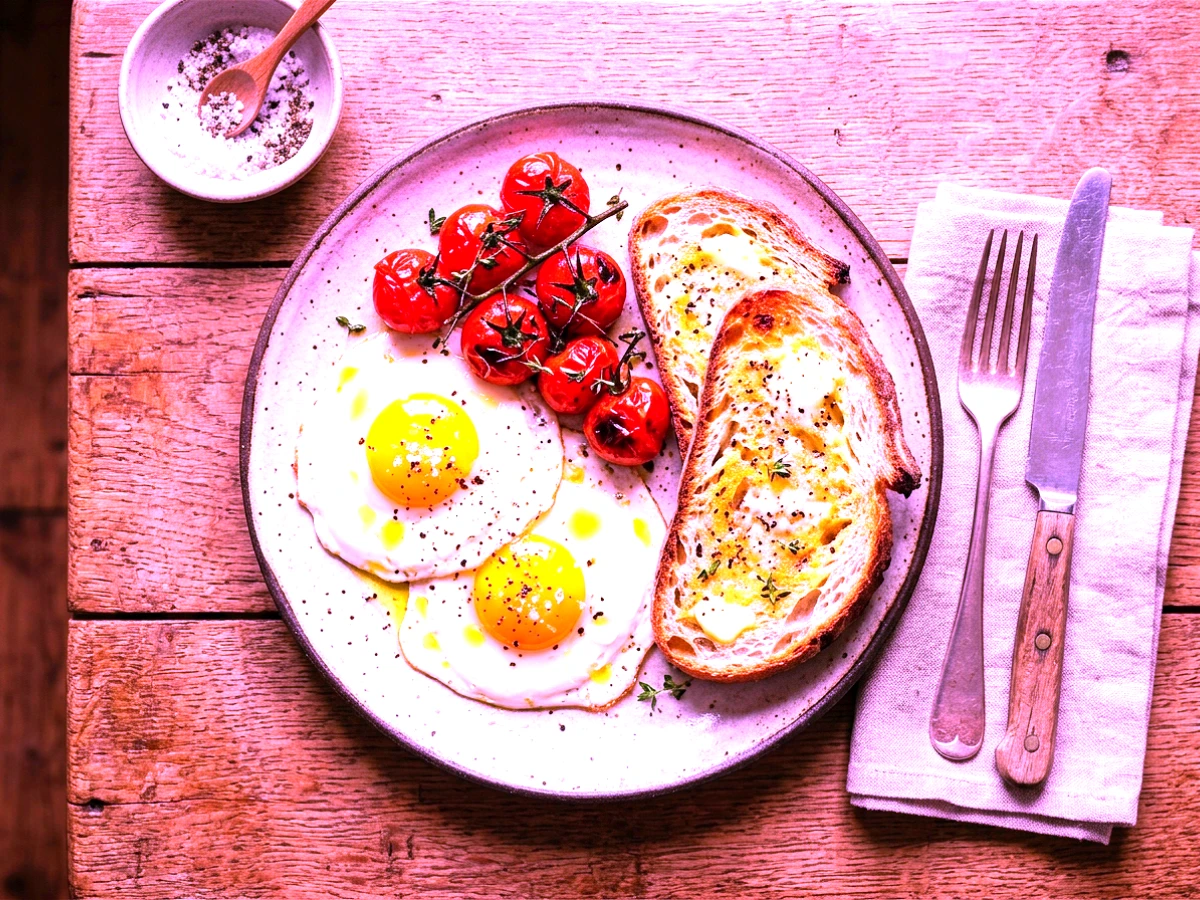
One click, visible difference
Contrast+45
Brightness+32
Saturation+60
Blur+55
Limits & details
What to know
AdjustmentsBrightness · Contrast · Saturation · Blur
Range−100 ↔ +100
Max resolution8000×8000 px · Pro+
PlanAll plans · Free 500 ops/mo
MCP
Use it from your AI assistant
This feature is also an MCP tool. Connect Claude Desktop, Claude Code or Cursor once; then just ask in plain language — your assistant calls the right tool itself.
You“Brighten this photo a bit and sharpen it slightly.”
glitch_effectscalled automaticallyHow to use it
Use it through the REST API
# Apply multiple effects in one request
curl -X POST https://theglitch.app/api/v1/effects?brightness=10&contrast=15 \
  -H "X-Api-Key: YOUR_API_KEY" \
  -F "file=@image.jpg"

→ 200 OK
Integrate the API or call it from your AI assistant.
No credit card. Live in 60 seconds.